
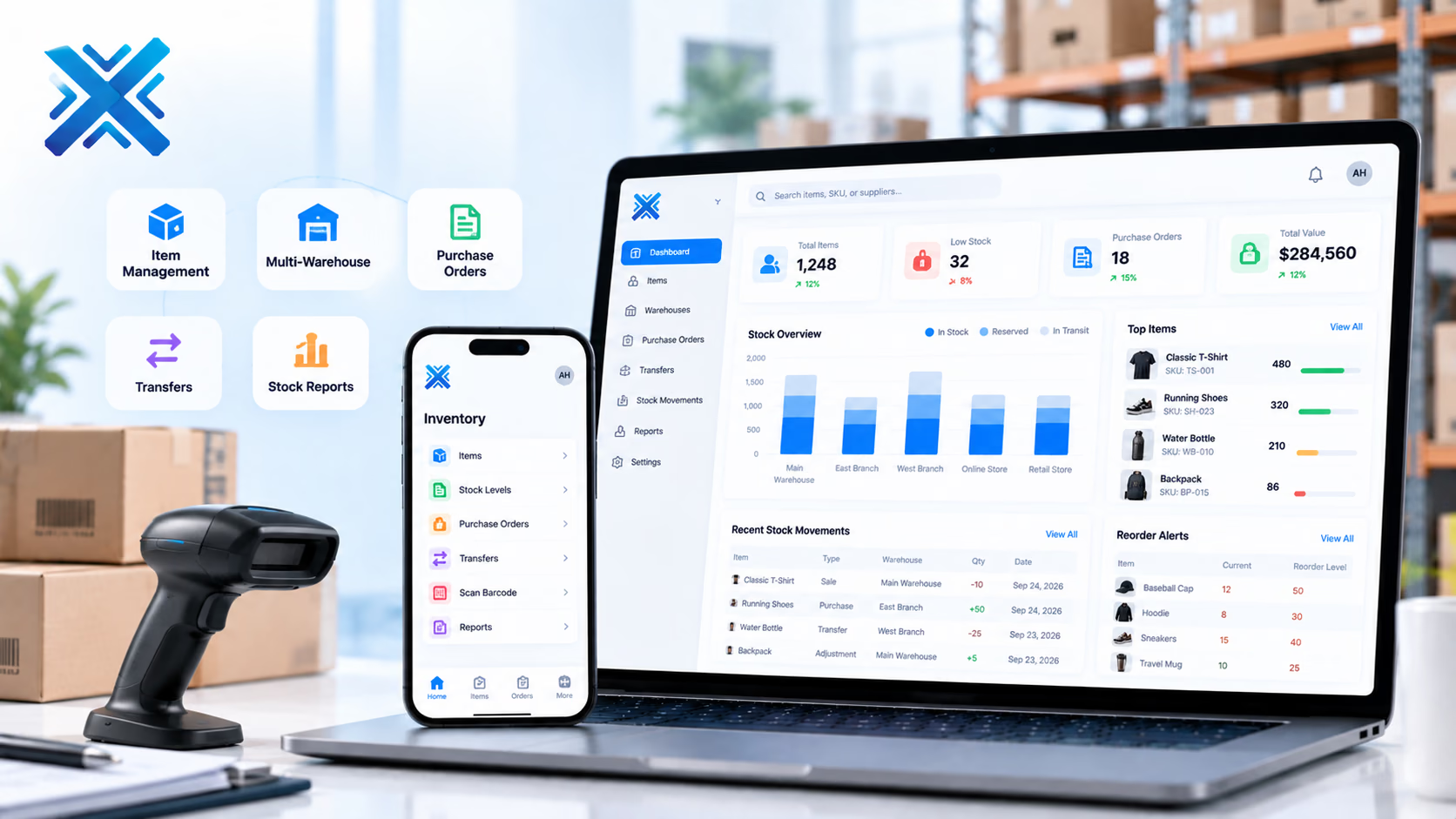
Inventory Management System
Live stock, warehouses, and reorder points so purchasing is not guessing from last week’s count.
Business Systems
The platform
Wholesalers, brands, and multi-warehouse operators whose stock truth still lives in a sheet or a till export.
Inventory software is only useful if a pick and a receipt land in the same minute the floor does the work. XiteHub designs WMS-lite and multi-warehouse stock so reserved qty for an order is not still showing as available on the site or the till. Reorder points and supplier lead times sit on the item. Cycle counts adjust with a reason. Transfers have a ship and a receive, so stock is not in two places or none. You get the reports purchasing and finance both recognize: aging, dead stock, and what is already on order.
Book a walkthroughThe gap
What is usually broken
Sales promise stock the warehouse does not have. Purchasing reorders from memory. Transfers between locations are a chat. Month-end count never matches the book.
Approach
How we fit it
XiteHub builds inventory around the item and the location: on-hand, reserved, and in transit. Receiving, picks, and adjustments all write the same ledger. We have shipped catalogs and retail stock pictures for brands that sell in more than one channel. Barcode or RFID is added when the floor will actually scan, not as decoration. The system can stand alone or post into ERP and the storefront.
Capabilities
What ships in the first release
- 01
Item masters with units, barcodes, and the costing method you already use
- 02
Multi-warehouse on-hand, reserved, and in-transit quantities
- 03
Purchase orders, goods receipt, and supplier lead times
- 04
Transfers with ship and receive so stock is not double-counted
- 05
Reorder points and suggested PO lists purchasing can act on
- 06
Cycle counts and adjustments with a required reason and user
Modules
How the platform is cut
We go live on the slice you need first. The rest follows when the operators are ready.
01
Items
SKU, variants, units, barcode, and suppliers. Bundles and kits if you sell them that way.
02
Locations
Warehouses, bins if you need them, and which channel may sell from which location.
03
Inbound
POs, ASN or simple GRN, and put-away. Partial receipts are first-class, not a workaround.
04
Outbound
Picks against sales or transfers. Reserved qty drops available the moment the order is confirmed.
05
Planning
Reorder points, open PO visibility, and aging. Forecast can be a later slice if your history is clean.
Why it lands
What changes for the team
- 01
Sales and the website see reserved stock, not a hopeful on-hand
- 02
Purchasing reorders from a list, not a walk through the aisle
- 03
Transfers leave a trail between warehouses
- 04
Counts explain themselves when finance asks why the number moved
- 05
Dead and slow stock show up before the next season buy
- 06
The same SKU can feed POS, e-commerce, and the ledger
Rollout
How we implement it
Workshops first, then a live slice, then the rest of the modules. Operators sign off before we cut over.
01
SKU cleanup
Merge duplicates and agree units before any count is imported. This step saves the project.
02
Locations and channels
Name warehouses and which storefront or till draws from each.
03
Stock ledger
Ship on-hand, receive, and adjust first so the floor can leave the sheet.
04
Opening count
A controlled count becomes opening balance. We do not invent qty from an old export.
05
Orders and channels
Connect POs, then POS or e-commerce so reserved stock is real.
06
Purchasing habit
Turn on reorder lists only after a few weeks of clean movement.
Fit
Where this platform belongs
- 01
A brand selling from a warehouse and a store that still email stock each morning
- 02
A wholesaler whose POs and warehouse are two products
- 03
A growing catalog that cannot say what is reserved for web orders
- 04
A company preparing to put inventory under the same roof as ERP finance
Connects
Systems this sits beside
- Barcode scanners and printers
- E-commerce storefronts for available qty
- POS for floor sales
- ERP or accounting for valuation and journals
- Suppliers or 3PLs via API or file, when they offer one
Stack
What we usually ship it on
- PostgreSQL
- Laravel
- Node.js
- React
- Redis
- REST APIs
- Docker
- AWS
Hosting
Where it can live
- 01
Cloud hosted
Managed on AWS, Azure, or GCP when you want updates handled for you.
- 02
On-premise
Private install in your rooms when control or compliance requires it.
- 03
Hybrid
Mix cloud and on-premise across teams or sites when one model is not enough.
FAQ
Questions, answered
Scope, ownership, and how we cut over Inventory Management System without a weekend freeze.
Continue
More in Business Systems
- 01
ERP Software
One ledger for finance, purchasing, inventory, and operations so each department is not running its own spreadsheet.
- 02
CRM Software
Pipeline, follow-up, and customer history in one place so sales is not living in WhatsApp and a shared sheet.
- 03
POS Software
Checkout, receipts, and stock for a counter, a floor, or several stores that must stay in sync after closing time.
- 04
HRMS Software
Hiring, attendance, leave, and payroll inputs in one employee record so HR is not chasing three tools and a folder.

Need a walkthrough of Inventory Management System?
Book a free consultation with our solutions architects. We'll map requirements and share a clear roadmap within 48 hours.